
Real-time UPS dashboard
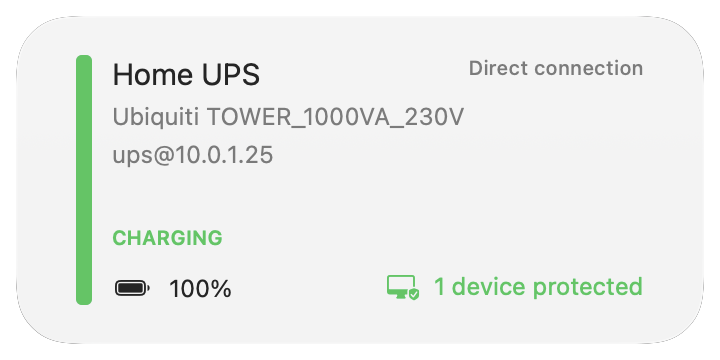
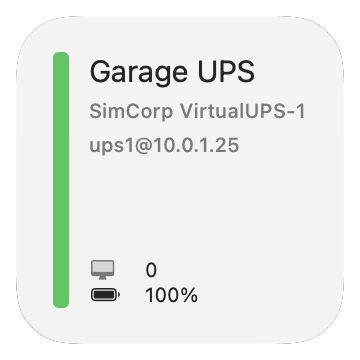
See battery level, load percentage, estimated runtime, input voltage, and UPS state at a glance — updated every few seconds for every device on your network.
UPS Monitoring for macOS and iOS
Track battery charge, load, runtime, and power events across every NUT-connected UPS. Get real-time alerts on macOS, check status from iOS when you are away, and automate safe shutdowns with Power Guard.


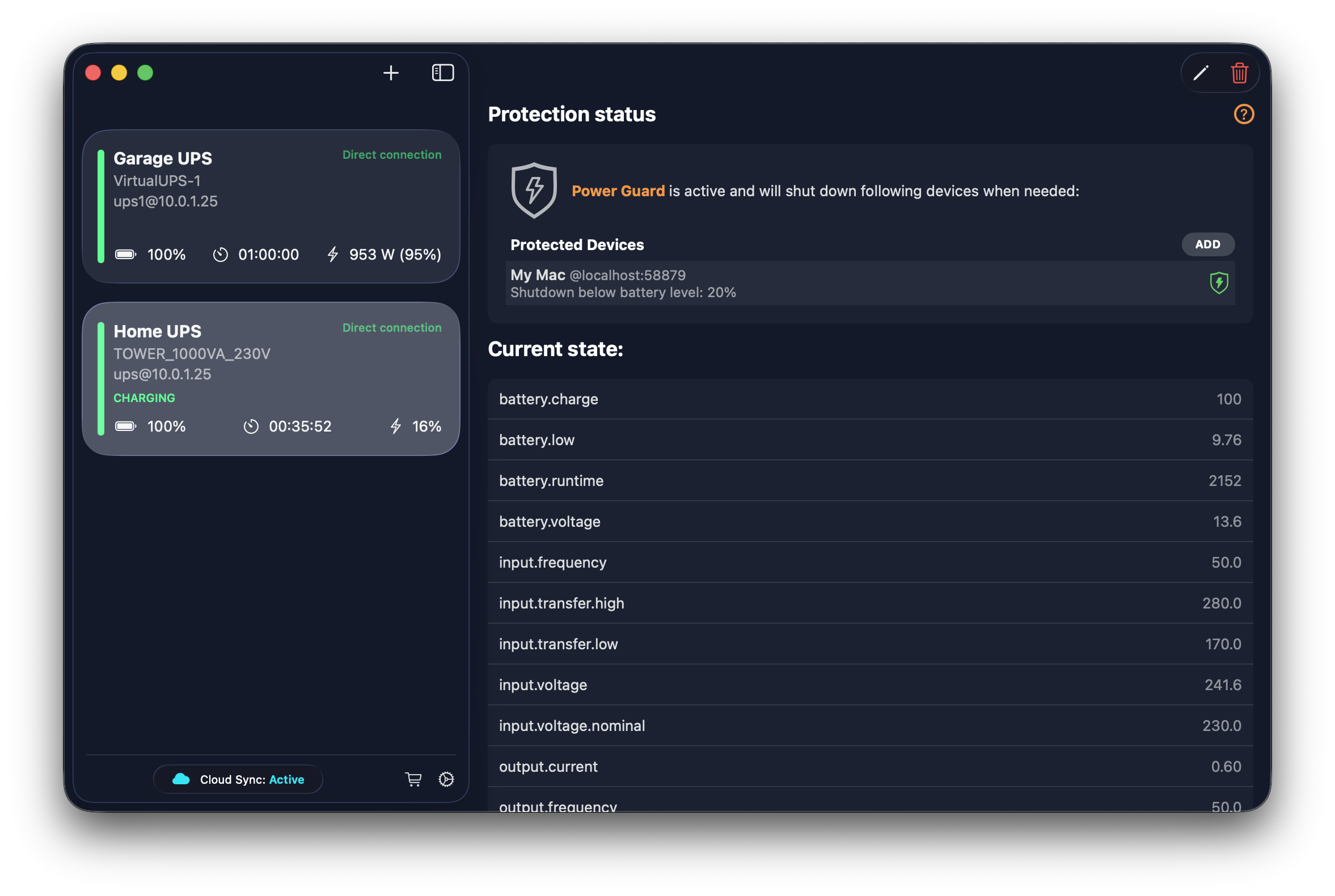
Review full UPS telemetry, alerts, and diagnostics from the macOS app.
See battery level, load percentage, estimated runtime, input voltage, and UPS state at a glance — updated every few seconds for every device on your network.
Chart any parameter over 24 hours, 7 days, or 30 days. Spot load patterns, voltage fluctuations, and runtime drops before they cause problems.
Enable cloud sync and your UPS fleet status appears on iOS automatically. Check charge levels and connection health from anywhere — no VPN needed.
Define battery thresholds that trigger coordinated shutdowns across Macs and network devices. Protect file servers, NAS boxes, and workstations from unsafe power loss.
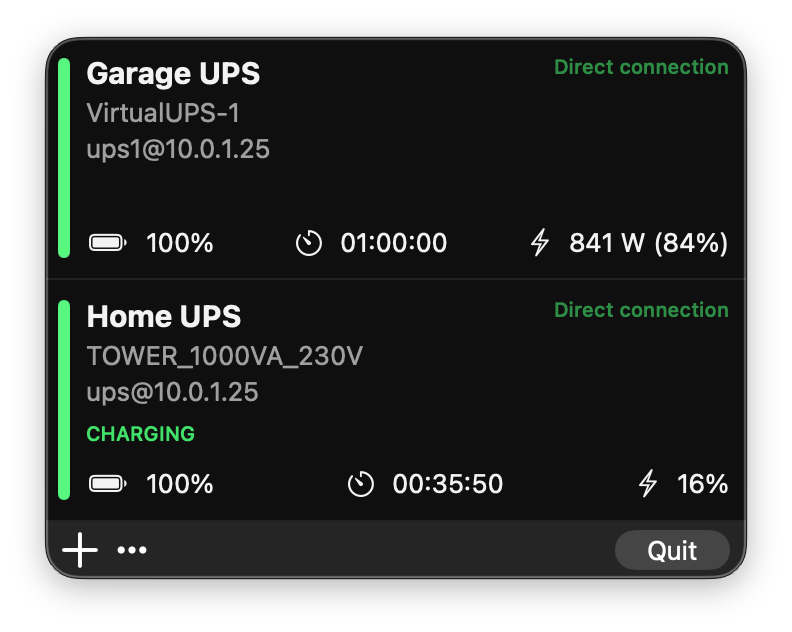
Point UPS Power Monitor at your NUT server — enter host, port, and optional credentials. Devices appear in seconds.
Watch live battery charge, load, runtime, voltage, and status from the macOS app or the iOS companion.
Set battery thresholds in Power Guard. When power drops below your limit, connected devices shut down safely — no manual intervention.
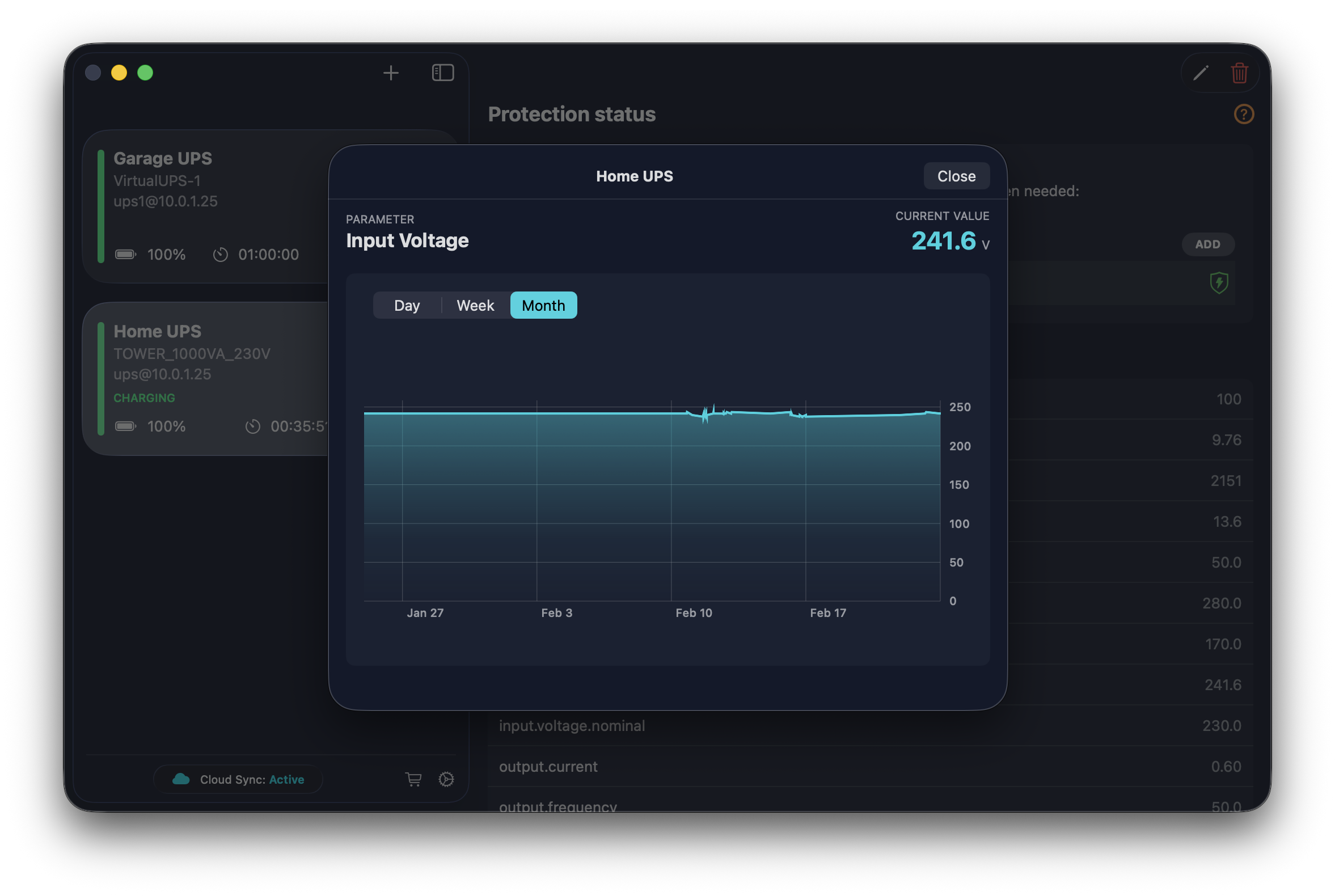
Chart any parameter over time from the full macOS dashboard. Day, week, and month views help you spot patterns before they become problems.
Track battery charge, load percentage, input voltage, runtime, and more. Overlay multiple parameters to correlate events — like a voltage dip that triggered a battery switchover.
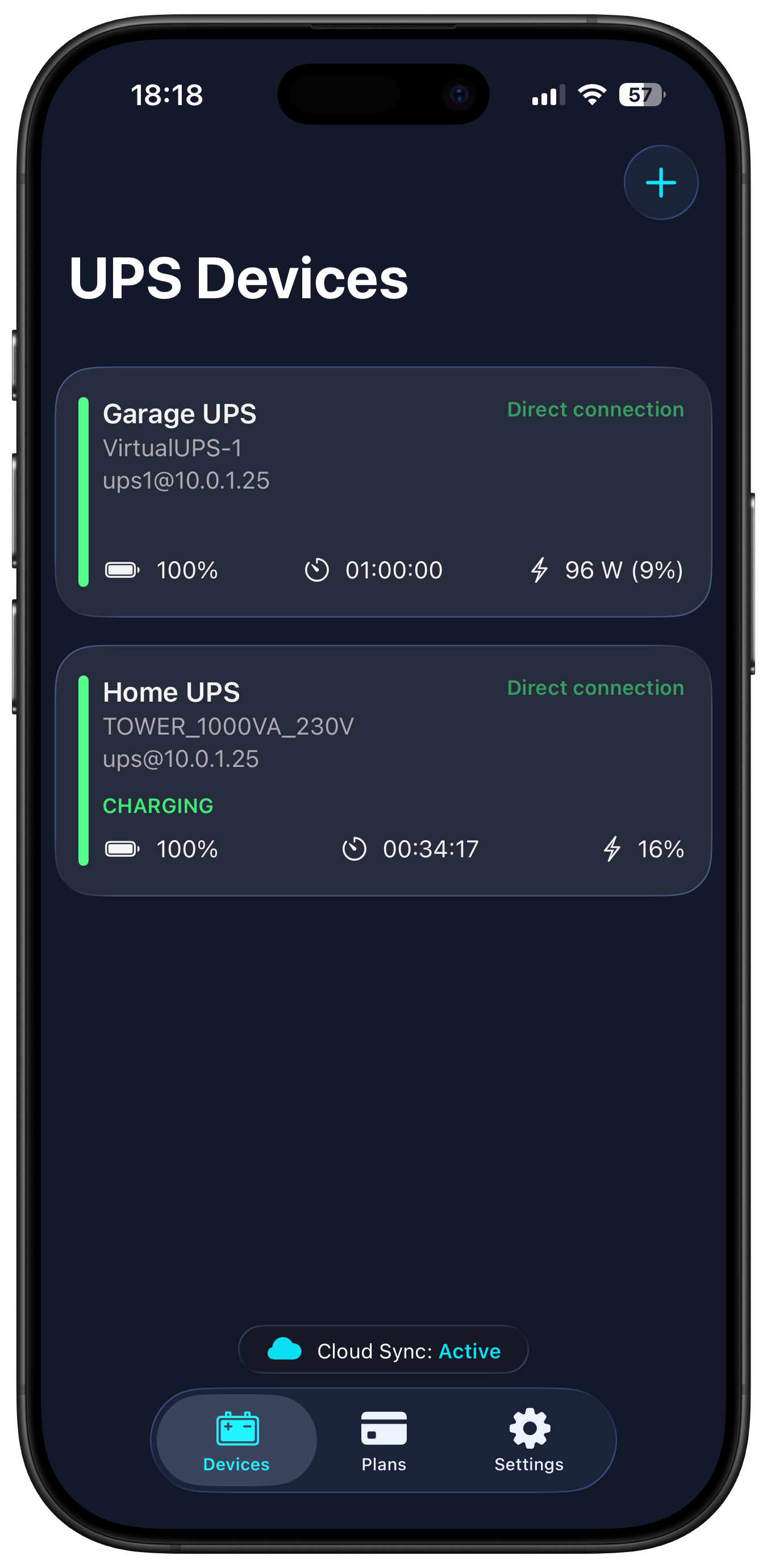
See every UPS on your network from iPhone or iPad. Battery, runtime, and connection status in one glance.
Cloud sync keeps your iOS devices updated automatically. Check on your UPS fleet from anywhere — no VPN or port forwarding required.
"The interface is shiny and updated, it works a treat! There seems to be a real lack of good UPS monitoring apps, and this seems to be the best of the bunch."
"Just what I needed. Got CyberPower UPS connected to my Synology NAS, enabled it as a UPS server on the LAN, and this tool on my Mac displays full information and triggers a shutdown in case of power failure."
"Works well with my APC BackUPS and my UniFi Tower UPS. I had an issue, but the developer was fast to fix it. Great app!"
"Easy to set up and surprisingly simple and intuitive. I have it monitoring an APC Back-UPS 1500 connected to an Unraid server and set to power off devices when the battery runs low. Amazing!"
"I was looking for a Power Monitor to show UPS status through Synology NAS connected to a Powerwalker USV. Works as designed, no hassle — only registration of client IP on Synology needed."
"A good Mac alternative to WinNUT. I like that it sits in the menu bar."
UPS Power Monitor uses the Network UPS Tools (NUT) protocol. If your UPS is connected to a device running a NUT server, the app can monitor it.
Download UPS Power Monitor, point it at your NUT server, and start monitoring. Check the FAQ if you need help configuring your NUT host.